Knowing the five stages below makes almost every behaviour — and every troubleshooting article — obvious.
1. The theme embed loads the script
Turning on the app embed adds one script to your Online Store theme. On a product page the script asks our CDN for that product’s configuration (cached, so repeat visits are fast). No embed, no options — on every theme separately (enable).

2. The options render inside the product form
The script looks for the theme’s product form and the Add to Cart button and inserts the options block next to them (or where you placed the app block). Because it hooks into that form, anything that adds to cart outside the form — quick-add buttons, custom Liquid buttons, cart permalinks, sales channels — bypasses the app (why selections go missing).

3. The live preview is drawn on the product image
The app finds the product image on the page (the one that belongs to this product, largest, nearest the form) and draws the layers — text, uploads, image choices, placeholders — on a canvas over it, using the positions you set in the editor. Views switch the background and layers; Combined Variant Image follows the theme’s variant picker.

4. Add to Cart saves the design
When the shopper adds the product the app first renders the preview image(s) and the print files you enabled, uploads them, then submits the form with the selections as line-item properties (label → value, files as links). That is why a slow Add to Cart usually means big images (details), and why the properties appear in the cart, checkout, emails and packing slips.
5. Extra prices reach the cart through a pricing method
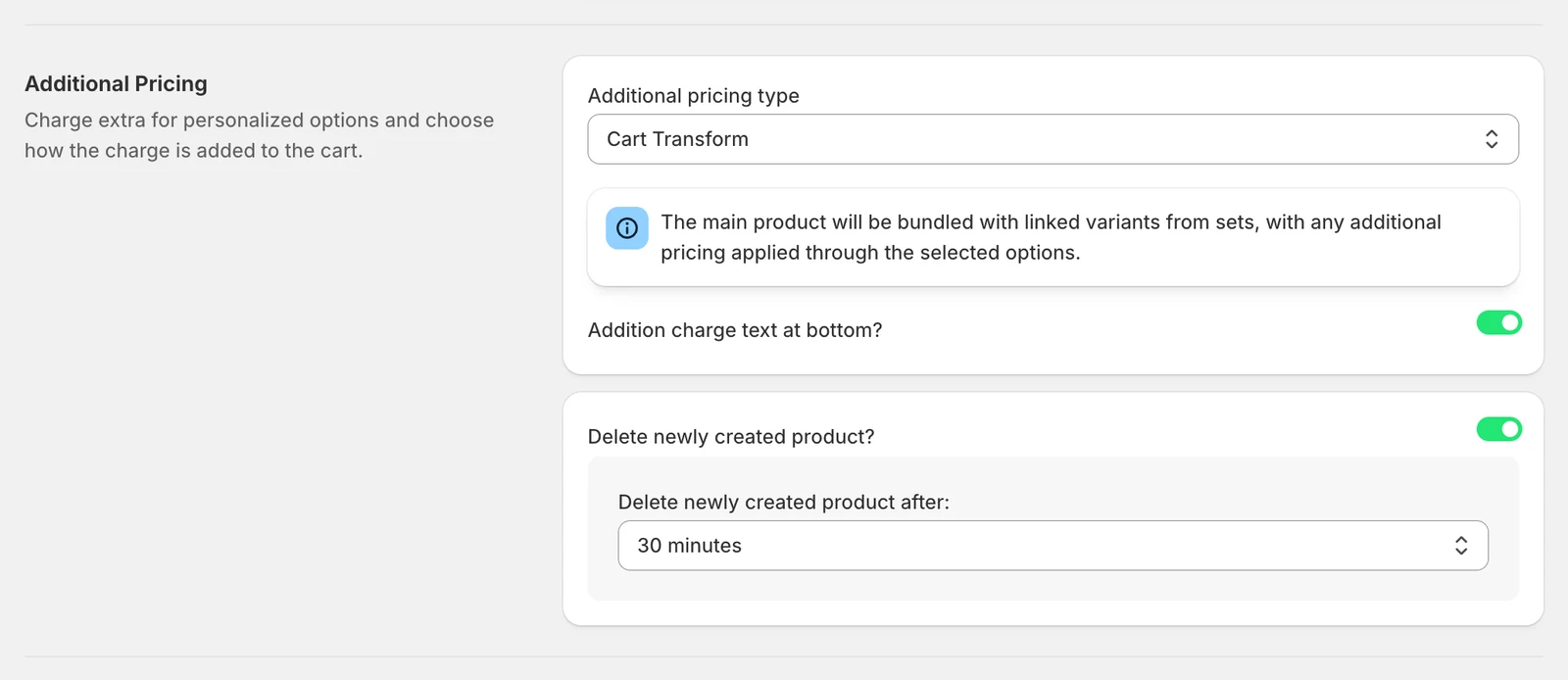
Shopify cannot add a fee to a cart line, so the app uses one of the pricing methods: Cart Transform (bundles the charge into the product line — recommended), Additional product (a hidden priced product) or Create a new product. Linked variants add the real Shopify variant to the cart, which is how stock is tracked. Which method fits which store: Pricing methods.
After the order
Shopify sends the order to the app (webhook); the app lists it under Orders with the files, and counts it against your monthly allowance (how orders are counted). The Shopify order keeps the properties forever; the files stay on our servers until you delete them or uninstall (data & retention).

What runs where
| Where | What the app does | What it cannot do |
|---|---|---|
| Shopify admin (the app) | Configuration, assets, templates, settings, orders list | — |
| Product page (theme) | Options, live preview, price display, add-to-cart handling | Change pages without the product form (collections, quick view) |
| Cart page / drawer | Shows properties and the preview image; Cart Transform merges lines | Edit a personalization from the cart |
| Checkout | Shopify renders properties and prices | Run any app code (except Shopify Plus) |
| Order | Properties on the line items; files under Orders | Change an order after it is placed |